

AI room planner tools have changed the way homeowners and designers preview renovations, making it easier to get a money-safe, risk-free visualization before spending a dime or signing a contract.
Key Takeaways
- AI room planners help you see real renovation outcomes before spending money, using customizable layouts and lifelike 3D or AR previews.
- High-quality input (good measurements, clear photos) produces much better design results—investment in prep saves you big headaches later.
- Privacy, export formats, and tool limitations matter—know what you’re signing up for, and always check if your chosen tool integrates with what pros use.
- Why use an AI room planner for your renovation?
- A step-by-step virtual room makeover (exact workflow)
- Common user pain points (and exact workarounds)
- Conclusion
- FAQ
Why use an AI room planner for your renovation?
AI room planners have become a go-to solution for budget-conscious homeowners and design pros. These tools use artificial intelligence to turn your room photos and measurements into realistic virtual room makeovers you can explore—often in minutes. The biggest win? You get to “try before you buy” with furniture, layouts, and styles, so you avoid expensive mistakes.
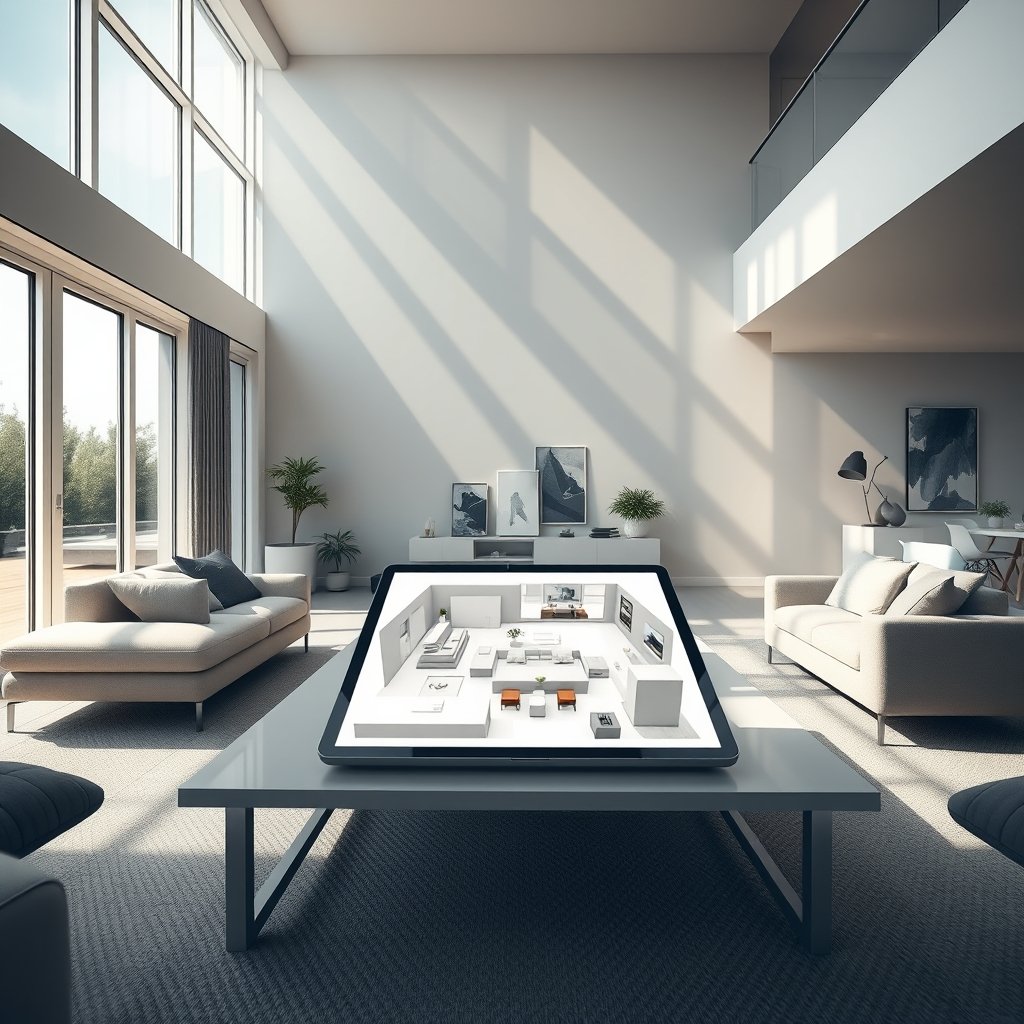
In 2024, 68% of homeowners aged 25–34 tried an AI interior-design app at least once. Daily active users across leading virtual room makeover platforms now top 2.5 million. Users cite two main benefits: the ability to quickly explore ideas and the confidence to avoid risks before making a single purchase, hiring a contractor, or signing off on a design.
Freelance designers and small studios also use AI room planners to speed up client approvals and generate multiple layout options, increasing both productivity and professional polish.
Even among pros, time savings are huge: tools like 3D visualization and room layout generators captured over 35% market share in 2024 and are growing fast—especially in home renovation AI and virtual room makeover categories.
A step-by-step virtual room makeover (exact workflow)
Whether you’re updating a living room or evaluating a total kitchen redo, this workflow will help you get reliable, actionable results from any modern AI home design tool.
-
Measure your space carefully.
- Use a metal tape measure or a reliable laser tool.
- Record all wall lengths, ceiling heights, window and door dimensions.
- Take “reference” photos from each corner, including a bird’s-eye if possible.
-
Pick the right AI room planner.
- Budget options: Look at tools like NewRoom.io, Spacely AI (see this list).
- Need CAD/AR exports? Opt for Homestyler or Planner 5D if you want to work with contractors later.
- Check if your tool supports both 3D visualization and AR previews.
-
Prepare your AI home design prompts and settings.
- Upload well-lit, multi-angle photos from multiple angles; select your style reference images (Pinterest or Instagram work fine).
- Indicate traffic flow, existing furniture to keep or remove, and any key problem zones.
- Set the unit system—imperial (feet, inches) or metric (meters, centimeters).
-
Generate and iterate layouts.
- Ask for at least 3 different layouts or styles—compare side by side.
- Edit prompts and upload new reference photos if early results are off.
- Most users (82%) run multiple trials for best results (source).
-
Check scale, lighting, and furniture fit.
- Zoom in on 3D or AR previews—are window heights, door swings, and walkways accurate?
- Test layouts using AR on your phone/tablet to see if items really fit your actual space (see how AR tools work).
-
Export shopping lists or plans.
- Download detailed product lists, room layouts, and if possible, CAD or IFC files for contractors.
- Save your favorite designs for quick comparison and sharing.

Don’t forget: the more detail and context you feed in, the better the AI’s suggestions. And always run your shortlist of designs by a contractor before hitting “purchase” or “remodel.” If you want to see samples, check the latest limewash paint ideas or renter-friendly backsplash solutions for great before-and-after visuals that started in AI planners.
Common user pain points (and exact workarounds)
Despite the hype, AI room planners aren’t magic—they depend heavily on user skill, input quality, and how well their settings match your real world. Here’s what most users struggle with and what actually works to fix it:
| Common Pain Point | Quick Workaround |
|---|---|
| Steep prompt learning curve (confusing options or AI misunderstanding your needs) | Use tool-provided templates or copy-paste prompt banks; give specific goals (e.g. “midcentury living room, keep sofa, add more lighting”). |
| Mismatched personal style (AI outputs generic catalog looks) | Upload inspiration photos and a 3–5 image style reference library; refer to favorite colors, finishes, and top designers you admire. |
| Inaccurate scale or poor lighting in previews (looks right onscreen, wrong in real life) | Include a calibration object, check real world dimensions in export; test lighting settings (simulate daylight and evening). |
| Privacy and data use worries | Pick tools with clear policies: look for no image retention, opt-out of model training, and minimal third-party sharing. Anonymize uploads (blur pictures, avoid personal items). |
| Poor CAD/AR integration; contractor can’t use your files | Export files in OBJ, IFC, or CAD format; verify in advance if your room layout generator supports these standards (this can save you hundreds if you hire a pro). |
From market reports, even the top AI room planner tools are weakest at explaining why they suggest certain layouts; most lack collaborative editing, robust cross-platform export, and sustainability or ergonomic benchmarking. If you want advanced environmental analysis or seamless export to an architect, watch for these features on the tool’s spec sheet.
Internal studies confirm that poor quality photos and missing scale references are the number one cause of bad results—so invest a few extra minutes here for a money-safe preview you can trust.
For even more prep ideas, check out our guides for waterproof bathroom finishes or see how the right eco water heater boosts home value prior to renovation. Smart technology, when correctly set up, can work in your favor.

Conclusion
AI room planner tools offer a real-world, budget-friendly way to preview your dream renovation before you ever lift a paintbrush or swipe your card. Take your time with prep—accurate measurements, reference photos, and detailed prompts pay off through realistic, actionable outputs. Watch for tools with flexible export options, transparent privacy policies, and pro-level feature sets if you plan to share files with contractors. Your focus on data quality and tool settings is what makes AI home design deliver the goods—so don’t cut corners at the start. Ready to try a safe, smart, and visual-first home upgrade? Get started with a virtual room makeover today, and put your favorite AI room planner to the test before you commit.
Still exploring smart renovation upgrades? Discover how a smart leak detector adds peace of mind or explore solar shade options to pair with your room refresh.
FAQ
How accurate are AI room planners with real-life scale and lighting?
If you provide precise measurements and upload well-lit, multi-angle photos containing a known-size reference (like a piece of paper or tape measure), AI tools can produce highly realistic 3D and AR previews. Neglecting this step often leads to errors, especially with small or oddly-shaped rooms.
Will my data and photos be secure when using an AI interior design tool?
Most reputable tools let you opt out of having your rooms or images saved for AI training. Always review privacy terms—look for the ability to delete uploads and avoid tools that share data with advertisers or partners without full transparency.
Can I use AI-generated layouts for actual contractor work?
AI room planners are excellent for idea exploration, space planning, and shopping lists, but most outputs aren’t code-compliant construction plans. Share exports (especially in CAD or IFC format) with a licensed professional to finalize anything structural, electrical, or mechanical.
What’s the biggest reason for disappointing output?
Poor-quality input—blurry or dark photos, missing measurements, or vague prompts—produce generic, unfit suggestions. Spend the extra 10 minutes setting up for much better (and safer) previews.
Should I choose a free, subscription, or pay-per-design AI tool?
Free tools offer great basic previews, but recurring subscriptions (dominant in 2024) unlock advanced export formats and better support. Weigh cost against savings from avoiding design mistakes—many users save hundreds by catching errors early.
—
[…] of permit drama. They’re the outdoor equivalent of easy home upgrades like limewash paint or AI room planners for interiors—you get an instant transformation without major commitment or […]
[…] smart, quick home upgrades for savings and comfort? Explore our guides on solar pergola systems and AI room planning for more high-value […]